A whole-home DVR for Android TV.
Point it at Xtream, M3U, HDHomeRun or Stalker sources. BingeBop gives you fast live TV, timeshift and recording — with every TV in your home working together as one DVR. We don't sell or supply any content.
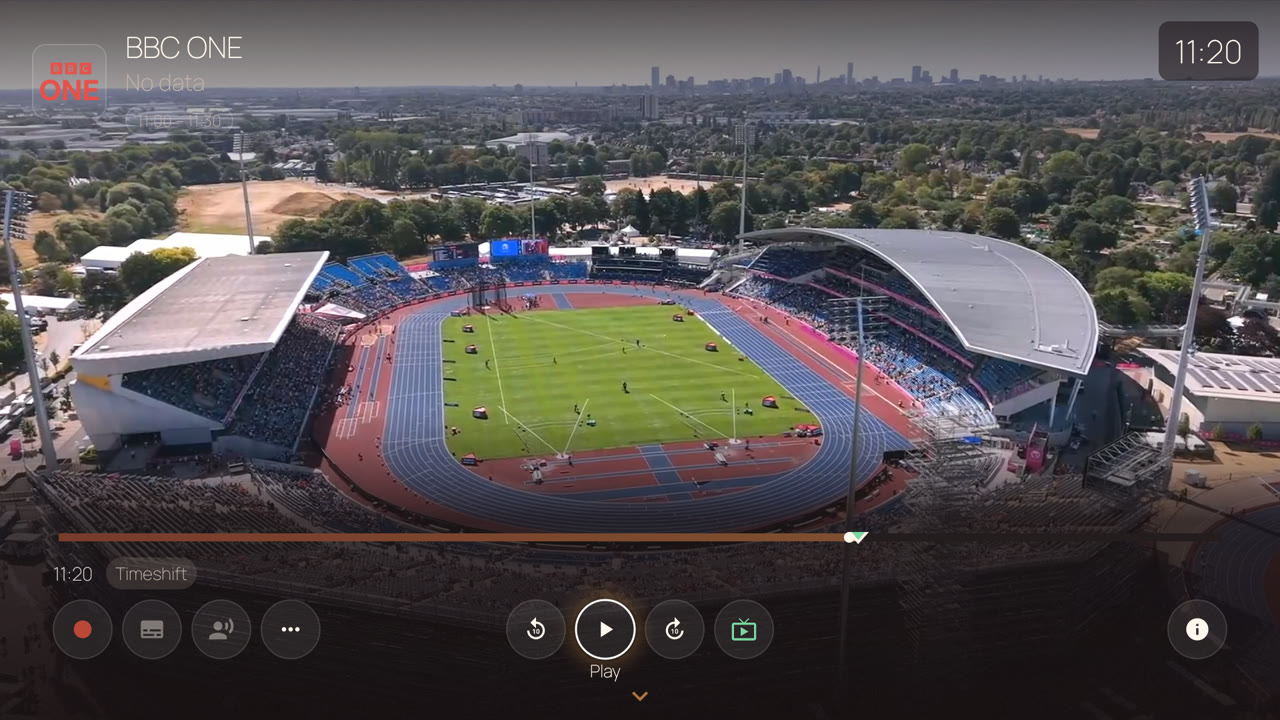
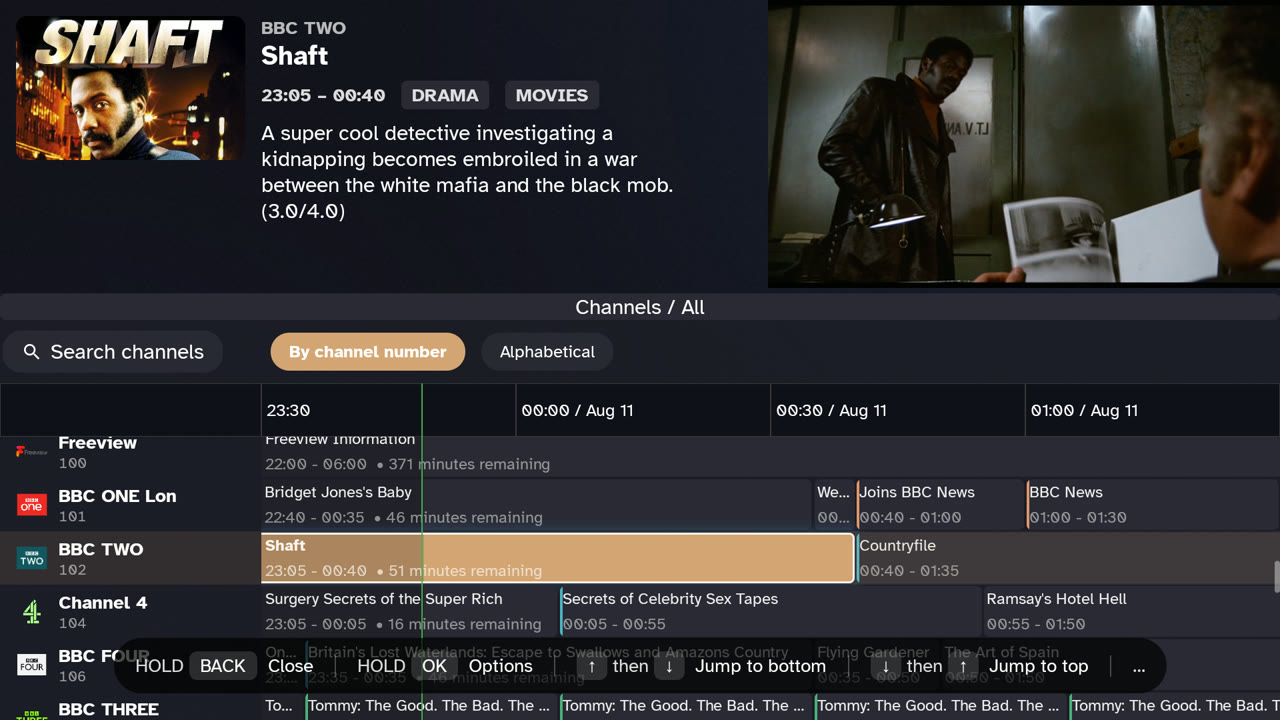
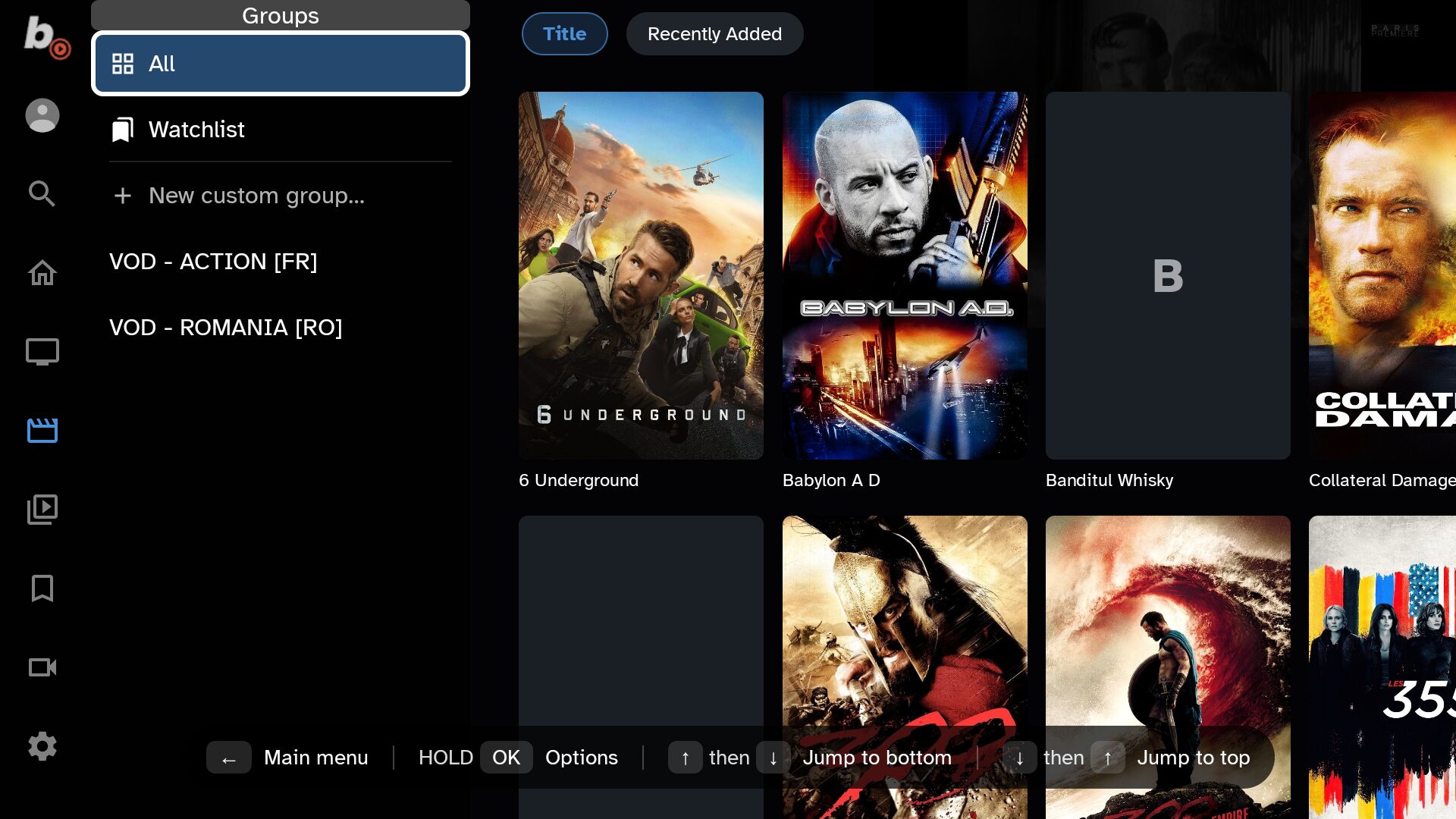
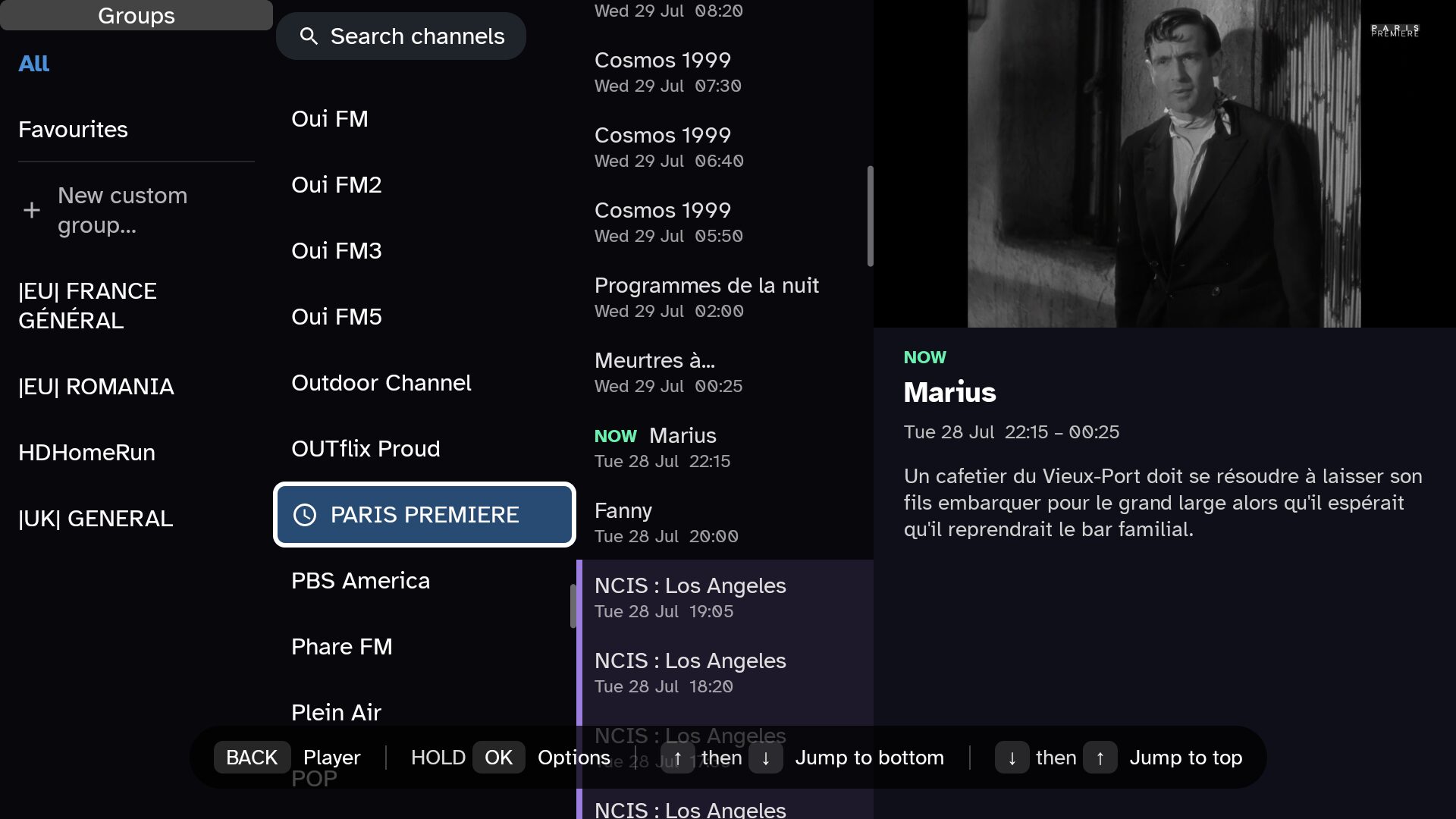
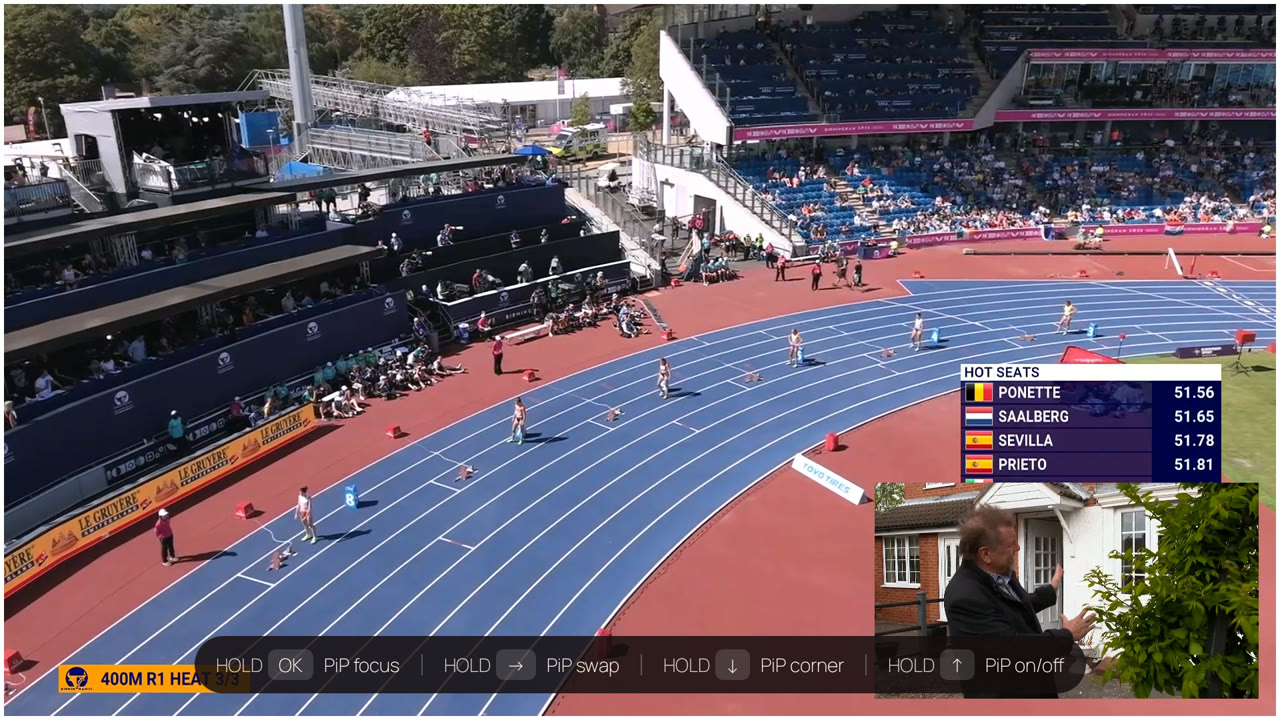
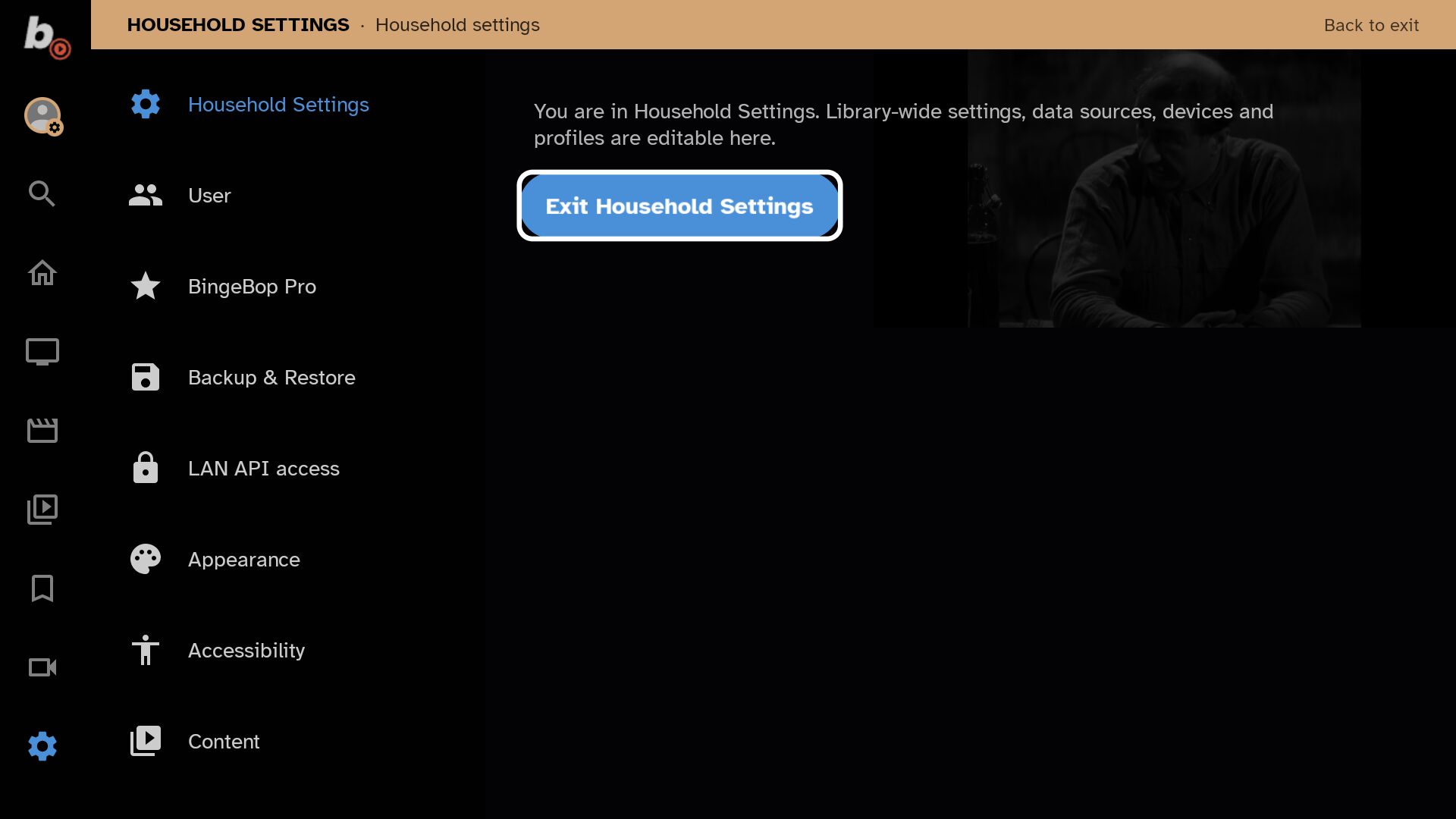
Screenshots and demo video are for illustrative purposes only. Channels and content shown are examples and are not provided by BingeBop.
BingeBop is a player, not a provider. You bring the streams.
What makes BingeBop different?
Your TVs work together
Paired devices know what streams, tuners and connections the others are using. If two TVs want the same channel, one reuses the other's upstream connection instead of opening a second. Connection limits are coordinated across the household, so one TV doesn't accidentally lock another out.
Recordings belong to the household
A recording can run on whichever device is available — and every TV sees it. If the recording device goes offline, another can pick up. You don't have to remember which box recorded what.
Timeshift that remembers
Change channel, browse around, come back — your old timeshift buffer is still there, with a gap marking the time you were away. Decide to record after something already happened and still keep the material that's already in the buffer. Seek through it with live thumbnail previews.
One channel, many sources
Five versions of BBC One don't need to occupy five positions in your guide. BingeBop combines duplicates into one channel while keeping each stream available as an alternate source. If one source stalls, it fails over to the next. This works for VOD too.
Set up the household once
Channel names, groups and settings can be defined once for the household. Each user inherits that baseline and can override what they need individually — their own favourites, appearance and profile-specific restrictions.
Take the programme with you
Scan a QR code on the TV and continue watching the same channel on your phone — in a browser, no app to install. Walk to the kitchen without missing a scene.
And all the things a serious DVR / TV player should have
Download
BingeBop is in private beta on Android TV and Fire TV devices.
Download the APK directly.
Download APKIn the Downloader app, enter code
3426653The app is intended for Android TV devices and is not optimized for phones.